Convert typed text into realistic handwritten notes and assignments instantly. Supports multiple handwriting styles and Indian languages.
Start ConvertingGo from plain typed text to realistic handwriting in under 60 seconds. No design skills needed.
Type or paste any text into the input box — your notes, assignment content, essay, or any written material. You can also copy text directly from a PDF or Word document and paste it here instantly.
Pick from five carefully selected handwriting fonts ranging from neat student print to casual cursive. Adjust ink color, font size, line spacing, and letter spacing to match your preferred handwriting look and feel.
Click the download button and save your handwritten output as a high-quality PNG image. Print it out, attach it to an email, or submit it digitally — it looks exactly like genuine handwriting on real paper.
Real results from our AI text to handwriting converter. See exactly what your typed text looks like after conversion.
Type your text, choose a style, and create realistic handwriting in seconds. Upload your own paper for assignments.
🖱️ Desktop: Drag to move • Scroll wheel to resize
📱 Mobile: 1 finger drag • 2 fingers pinch to resize
Everything you need to create realistic handwriting from typed text, completely free.
Our realistic handwriting generator uses carefully crafted fonts that mimic natural human handwriting patterns, giving your output that authentic pen-on-paper feel.
TextToNotes goes beyond English. We support five major Indian languages — Hindi, Bengali, Tamil, Telugu, and Marathi — making it one of the very few handwriting converters built with Indian students in mind. Simply paste your regional language text and the tool renders it in a natural handwriting style with no special keyboard required.
Export your handwritten text as high-quality PNG images at 2× resolution, ready for printing or digital submission. The downloaded file looks crisp and clean.
Start converting text to handwriting immediately. No sign-up, no registration, no email confirmation — just open the page and start creating. Your text never leaves your browser.
Works seamlessly on desktop, tablet, and mobile devices. On touchscreens, use one finger to drag the text block and two fingers to pinch-zoom the font size — fully optimized for on-the-go use.
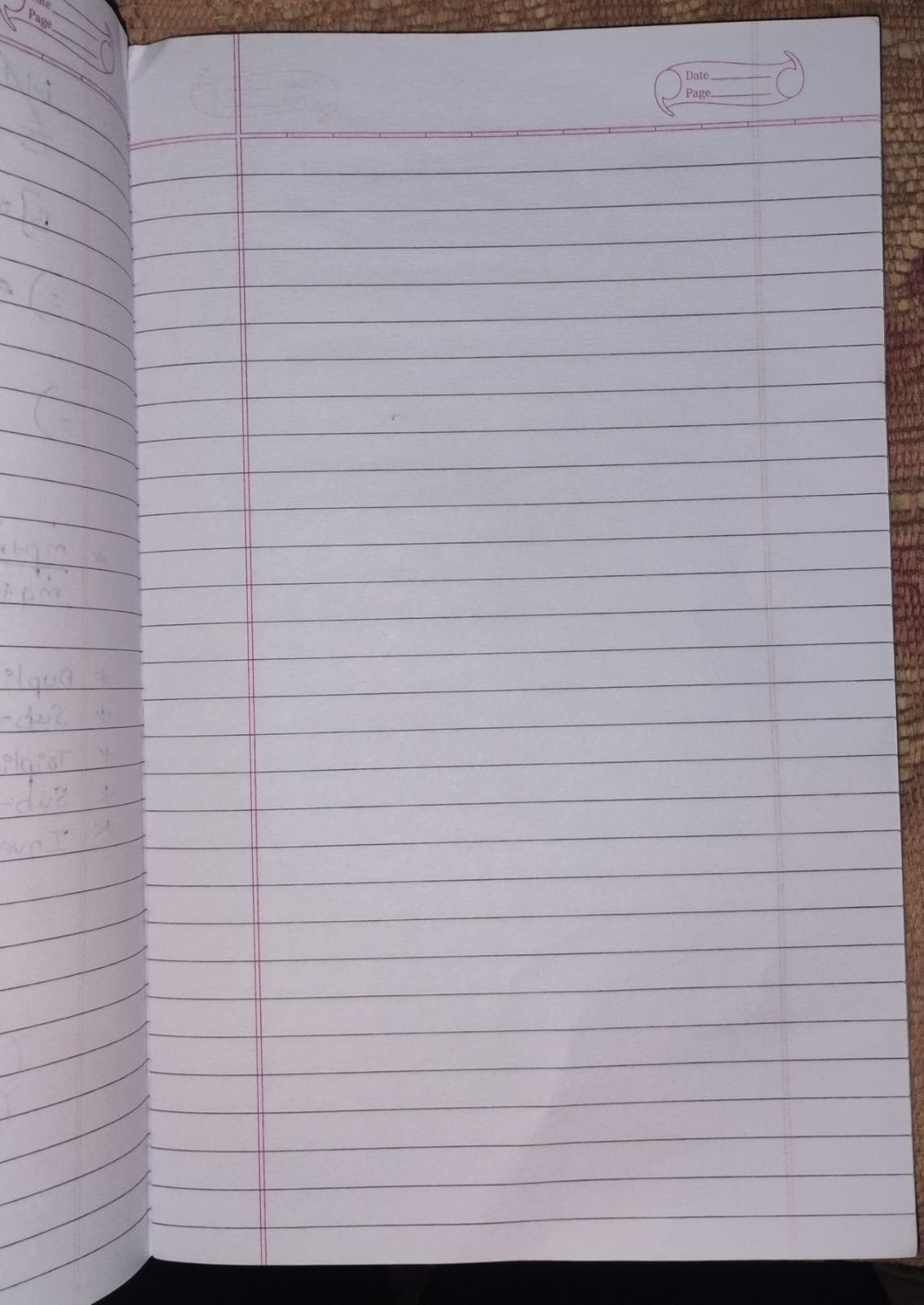
Upload your own lined, ruled, or graph paper as a background image and position your typed text precisely over the lines. Adjust font size, line spacing, and ink color to create a fully realistic handwritten assignment page ready to print or submit.
TextToNotes is a free, browser-based tool that converts any typed or pasted text into a realistic handwritten image you can download instantly. There is no software to install, no account to create, and no subscription to pay for. You open the page, type your content, pick a handwriting style, and download a PNG file that looks like it was written by hand on real paper.
The idea behind TextToNotes is straightforward: many students, professionals, and creators need handwritten content but either lack the time to write by hand or want a more consistent, legible result than their natural handwriting allows. TextToNotes solves this by rendering text in carefully chosen handwriting fonts that closely mimic real pen strokes — complete with natural variation in letterforms, consistent baselines, and an overall organic look.
The tool is used by a wide range of people for genuinely practical reasons:
Despite the dominance of digital communication, handwritten content still carries unique value. Academic institutions in India and worldwide continue to require handwritten submissions because research suggests that writing aids memory retention and comprehension. Handwritten letters and notes feel more personal and sincere than typed ones. TextToNotes bridges the gap between the convenience of typing and the authenticity of handwriting — giving you the speed of a keyboard with the visual result of pen and paper.
Unlike generic text-to-image tools, TextToNotes is purpose-built for handwriting conversion. The tool lets you upload your own paper background and positions your handwritten text directly over it — so the final output looks like you actually sat down and wrote on that specific piece of paper. The five handwriting fonts were each selected because they genuinely resemble a distinct type of real human handwriting, from the neat print of Patrick Hand to the casual flowing curves of Caveat.
Create realistic handwritten assignments, essays, and homework with our free assignment generator.
Our handwritten assignment maker helps students create authentic-looking assignments in minutes.
Create professional assignment pages with handwritten text.
Whether you're working from a study guide, a research paper, or a typed essay, TextToNotes gives you a simple way to present that content in a natural, handwritten format — no retyping required.
Transform your digital study material into authentic-looking handwritten pages. Copy the text from any study guide or textbook chapter, paste it in, and let the tool do the writing for you.
Generate a handwritten text block, save it as an image, and overlay it onto your document using any free editor — giving the appearance of genuine pen-on-paper annotation.
Take your polished typed draft from Word or Google Docs, apply a realistic handwriting style, and download a page that looks like it was written by hand on real notebook paper.
The converter works with text from any source — Word, Google Docs, Notion, OneNote, or any other platform. Simply copy your text, paste it in, and the tool handles the rest.
Take AI-generated content from ChatGPT, Gemini, or Claude, run it through the converter, and the output looks like something a real person sat down and wrote.
Think of TextToNotes as the final step in how you process information. You read, you summarize, you organize — and then you handwrite. The last part now takes seconds instead of hours.
Going from a digital document to a finished handwritten page is faster than most people expect:
From clean and academic to casual and expressive — preview each style and select the one that best matches your purpose.
For academic assignments and school submissions, the Neat Student Style or Print Style produce the most believable and readable results. For creative projects and social media content, the Cursive or Aesthetic styles add more character. Try a few styles with your actual text before deciding — the live preview updates instantly as you switch between options.
Browse our collection of handwriting fonts, all powered by Google Fonts. Preview every style in real time before downloading.
| Font Name | Preview | Style | Best For | Character |
|---|---|---|---|---|
| Kalam | Hello World! | Natural Casual | Notes, Assignments | Balanced & Natural |
| Caveat | Hello World! | Casual Cursive | Journaling, Labels | Flowing & Relaxed |
| Gloria Hallelujah | Hello! | Fun Bold | Titles, Headings | Bold & Expressive |
| Gochi Hand | Hello World! | Bold Natural | Posters, Notes | Strong & Casual |
| Patrick Hand | Hello World! | Clean Print | Assignments, Docs | Neat & Legible |
All five fonts used in TextToNotes are open-source, free-to-use typefaces sourced from Google Fonts. They were selected because each one genuinely resembles a distinct type of real human handwriting. Kalam was designed with South Asian students in mind and works well for Indian language content. Patrick Hand replicates the neat, consistent printing used by students who take pride in legible notes. Each font loads instantly in your browser with no download required.
Beyond choosing a font, TextToNotes gives you full control over how your handwriting looks. Increase font size to fill larger paper formats, or reduce it to fit more content on one page. Adjust line spacing to align with your paper ruling. Use the letter spacing slider to make writing appear more spread out and deliberate. The ink color picker lets you match any pen color — blue, black, green, or anything in between. All changes update in the live preview instantly.
Generate smart handwritten notes from any text, PDF, or document using our free AI-powered notes tool.
Paste any AI-generated content or your own written material into TextToNotes and convert it into realistic handwritten study notes instantly. Works with content from ChatGPT, Gemini, Claude, and other AI writing tools.
Create handwritten revision notes from any subject material. Paste your textbook chapter, lecture slides, or topic summary and convert it into a handwritten note page ready for studying or submission.
Summarize your material first, then convert the key points into handwriting. This workflow helps you create compact, focused revision notes that are easy to review before an exam.
Generate handwritten exam preparation material from your syllabus, previous year question answers, or subject summaries. Handwritten format can improve retention and focus during study sessions.
Paste a long paragraph or chapter and TextToNotes will render it in handwriting exactly as written. The tool preserves all line breaks and spacing in your final handwritten output.
Paste your text, pick a style, and download. No complex settings to navigate, no account to manage, no waiting time. Your handwritten notes are ready in under a minute, every time.
Discover how TextToNotes fits into your workflow as a complete, free handwriting solution that works across all platforms.
A fully browser-based handwriting converter that requires no installation, no login, and no payment. Open it on any device and start converting text to handwriting immediately.
TextToNotes runs perfectly in Chrome and other Android browsers without any app download. Supports one-finger drag for repositioning and two-finger pinch for resizing.
iPhone and iPad users can use TextToNotes directly in Safari or Chrome with full touch support. The responsive layout adapts to all screen sizes.
Our OCR tool lets you upload a scanned handwritten document and converts it into editable digital text — the reverse of the main converter, equally useful for digitizing paper notes.
TextToNotes is designed with students as the primary audience. From creating handwritten revision notes to producing assignment-ready pages, it covers every handwriting need throughout the academic year.
Many popular handwriting apps require subscriptions. TextToNotes offers the core functionality — text to handwriting conversion with full customization and PNG export — completely free with no hidden charges.
Find answers to common questions about our AI text to handwriting converter and assignment maker.
Our tool uses advanced web-based rendering to map your typed text onto realistic handwriting fonts. It preserves your line breaks and allows you to adjust spacing and color to ensure the output looks like a human wrote it, not a computer.
Yes! We designed this as a free resource for students. There are no hidden charges, no premium "pro" versions, and you don't even need to create an account to download your files.
Absolutely. One of our best features is the "Upload Paper" button. You can take a photo of your specific college stationery or ruled paper, upload it, and then overlay the handwriting directly on top of it for maximum authenticity.
Yes, we support major Indian languages including Hindi, Bengali, Tamil, Telugu, and Marathi. Our fonts are compatible with Unicode characters used in these scripts.
Once you are happy with the preview, simply click the "Download as PNG" button. The tool will generate a high-resolution image of your notes which you can then print or insert into a PDF.
Privacy is our priority. All processing happens locally in your browser (Client-Side). We do not store your text, your uploaded images, or your generated notes on our servers.
To get the best results, use a slight "Rotation" (between -0.5 and 0.5 degrees) and choose a dark blue ink color. Also, ensure your line spacing matches the lines on your uploaded paper image.